A cable can contain more than wires
The O.MG cable demonstrates why a familiar-looking connector isn’t proof of a harmless device. It contains electronics intended for authorized security testing and can present capabilities beyond charging and ordinary data transfer.
Its most accessible lesson is USB device trust: a connected accessory may appear as an input device, such as a keyboard, rather than just a storage drive.
Features vary by model
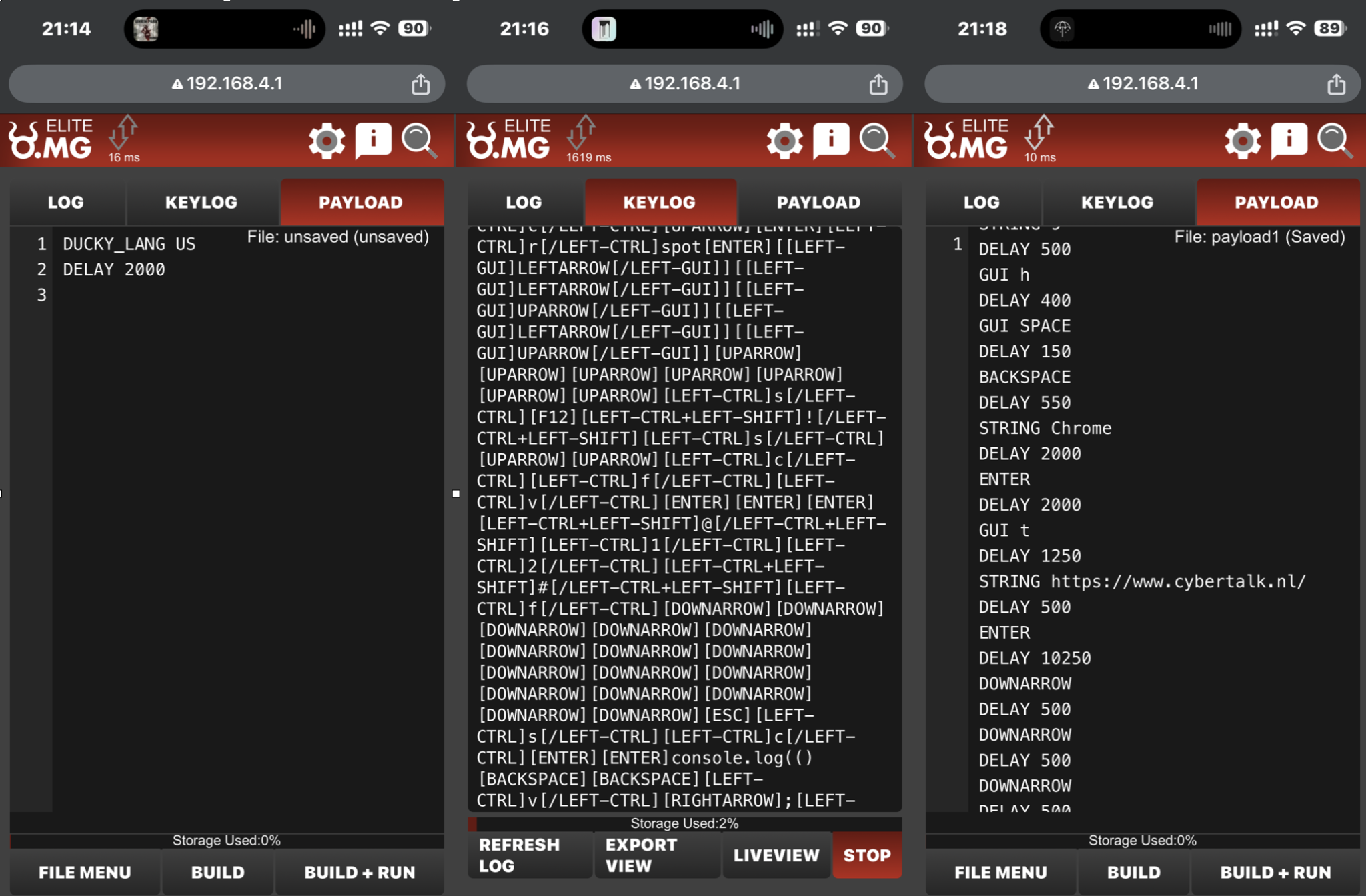
The original January 2025 review discussed wireless management, stored testing actions, keyboard emulation, and advanced features in particular versions. Prices, storage counts, ranges, and compatibility aren’t universal. Use Hak5’s product information for the exact variant instead of treating the old figures as current specifications.
Claims that a dormant device leaves no logs were too absolute. Visibility depends on the endpoint, controls, and monitoring. A firmware erase feature also isn’t literal physical self-destruction.
The active end mattered in my purchase
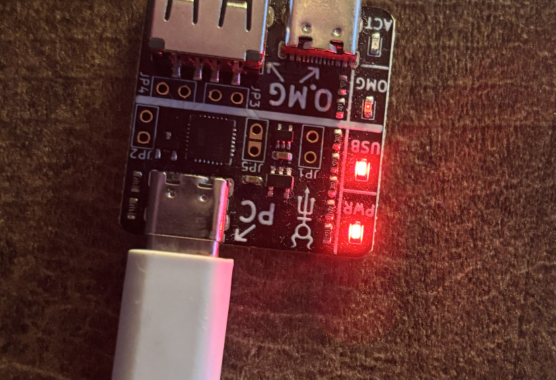
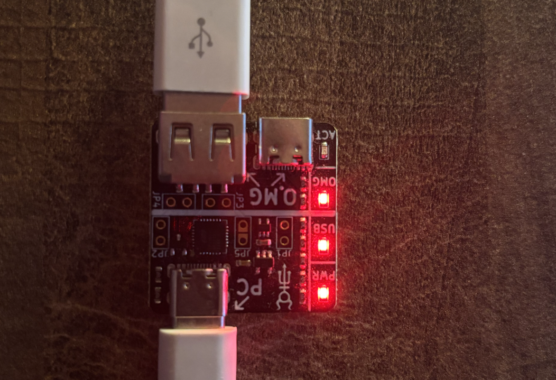
I chose an Elite cable with an active USB-A end and a USB-C passthrough end. I initially assumed both ends could serve the same testing role. That wasn’t how my version worked.
The active end determines the relevant device-facing behavior. A connector adapter doesn’t automatically change the cable’s internal design, and compatibility still depends on the host and adapter. Choose based on the systems in your authorized lab.
Connector names aren’t interchangeable
The original article confused Lightning, Thunderbolt, USB-C, and older USB connector names. A connector’s physical shape, supported protocol, power behavior, and accessory role are different specifications. Check them separately.
Reduce exposure to unfamiliar accessories
- Use cables and chargers from sources you trust and keep track of them.
- Lock unattended devices and review prompts before authorizing data access.
- Use organization-approved USB controls where appropriate.
- If charging only, choose a compatible trusted power arrangement; data blockers have limits and aren’t a universal detector.
For learning, use the manufacturer’s setup instructions on equipment you own or are authorized to test. A security demonstration shouldn’t become a reason to attach an unfamiliar cable to someone else’s computer.
Images from the original article