A look back at a Kali Linux lab
This article originally documented an experiment connecting Armitage and Veil-Evasion in Kali Linux 2016.2. The setup took roughly an hour, much of it spent waiting for software to install. The tools, paths, and screenshots below reflect that 2016 environment.
The lab used a Kali Linux virtual machine. If you’re getting started with virtualization, see my introduction to creating a virtual machine with Hyper-V. Keep security experiments within systems you own or have permission to test.
What was Armitage?
Armitage provided a graphical interface for the Metasploit Framework. It helped users organize a testing session and view the capabilities available through Metasploit without doing everything directly in a terminal.
What was Veil-Evasion?
Veil-Evasion was part of the Veil Framework and was used in security testing to explore whether generated payloads would be detected by antivirus software. The original article used the term “fully undetectable,” often shortened to FUD. That phrase should not be read as a guarantee: detection depends on the security product, its configuration, and the sample being tested.
Preparing the original environment
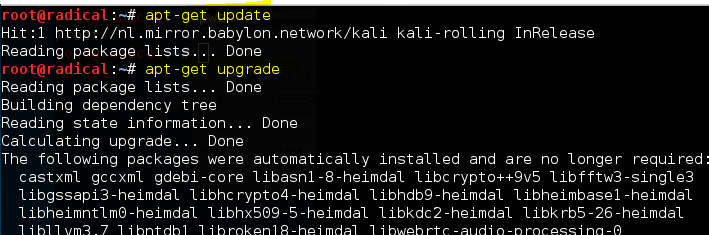
The original walkthrough began by updating Kali’s packages, then installing Veil-Evasion and its dependencies. Some dependency installers displayed familiar Windows-style dialogs. Installation time varied, and troubleshooting depended on the exact software versions involved.
Starting Armitage
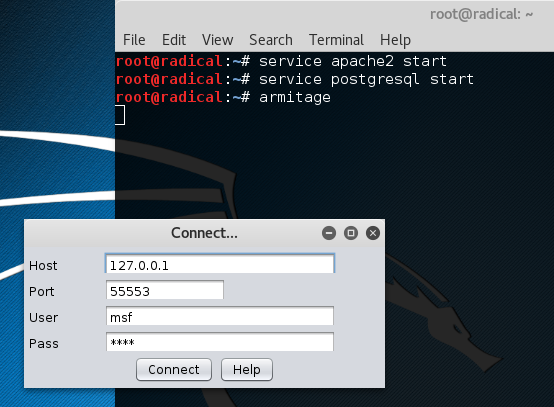
In that setup, supporting services were started before opening Armitage. Its connection dialog then appeared. The original notes also mentioned a database-related error on systems where Metasploit had not previously been initialized.
How the integration appeared
The connection used Armitage’s script-loading interface and a Cortana integration script supplied with the older Veil-Evasion project. Once loaded, the integration added a Veil-Evasion menu to Armitage.
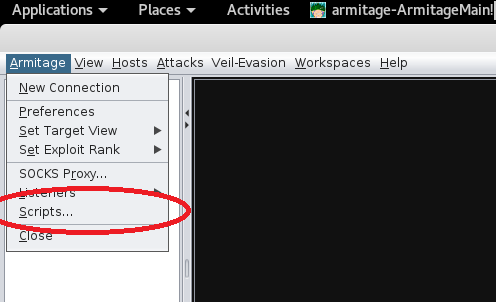
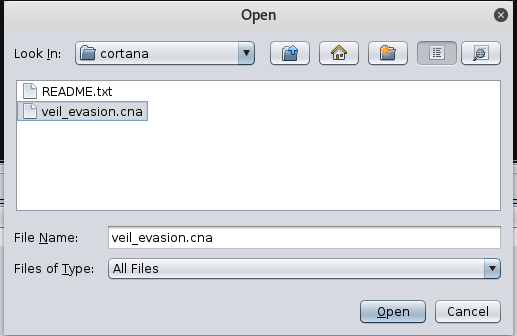
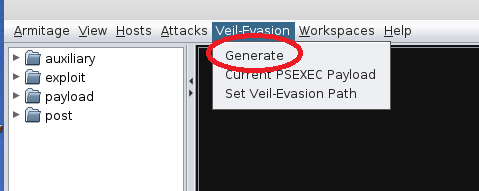
A key troubleshooting detail in my experiment was that the integration needed the correct local path to the Veil-Evasion installation. An incorrect path meant the menu could appear without the integration working as expected.
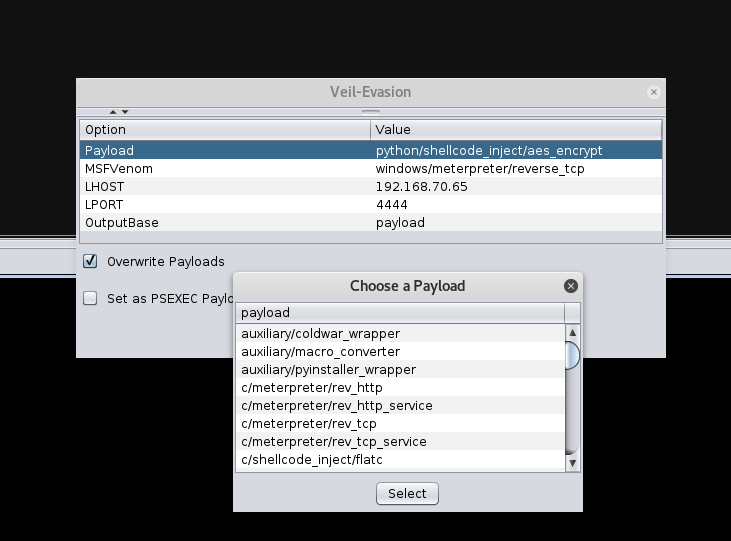
What this archive shows
The useful lesson is how separate security tools were connected through a scripting interface, and how a simple path mismatch could break that connection. These screenshots preserve the original experiment; they do not establish that the old installation process still works or that any resulting sample would evade present-day security software.